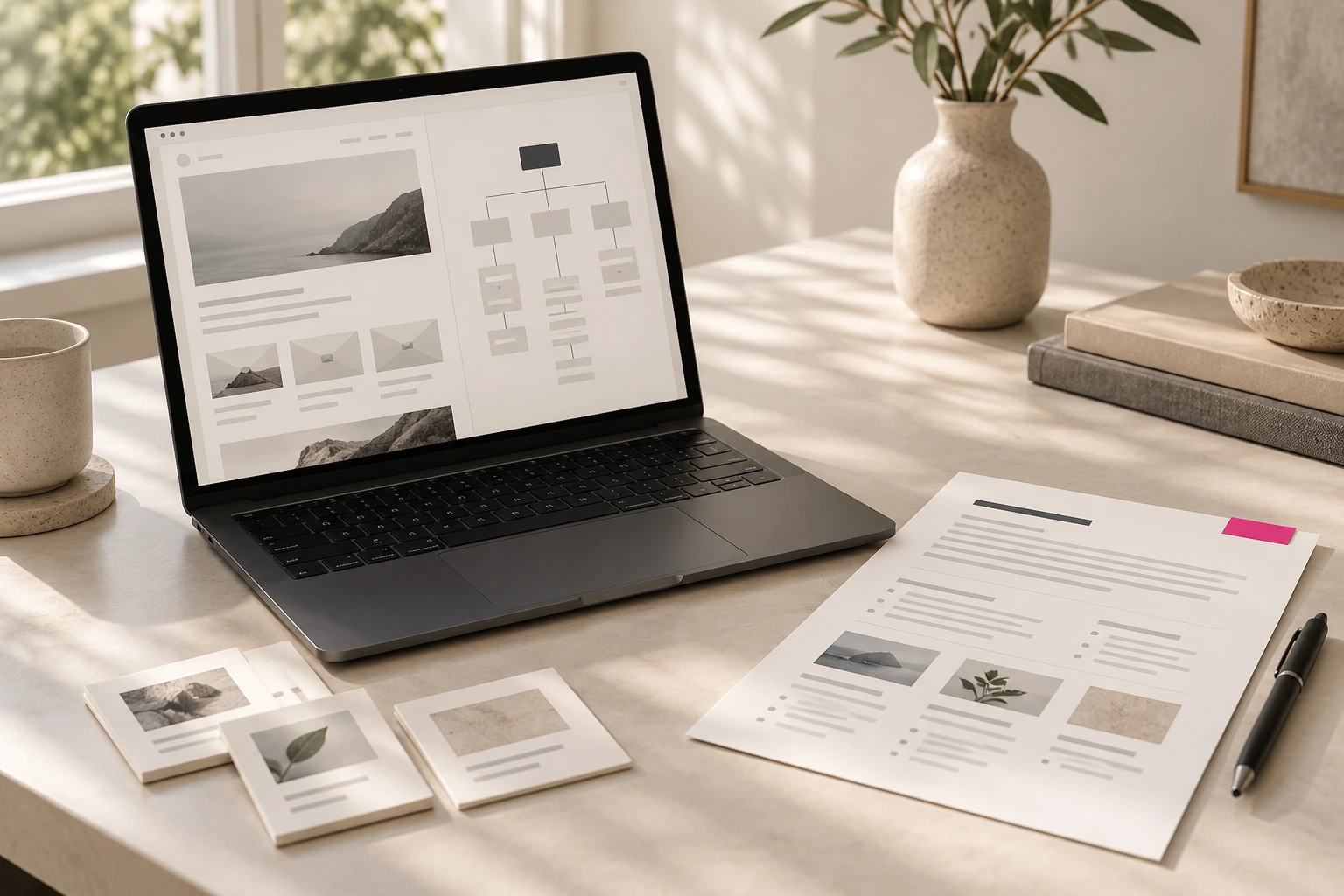
A useful website project brief explains why the site is being built, who it needs to serve and what visitors should be able to do. It gives the designer and development team enough context to recommend the right structure, content and features before the work begins.
The brief does not need to answer every technical question. It should make the business need clear, record known constraints and identify decisions that still need to be made.
1. Explain the business goal
Start with the reason for the project. Are you launching a new offer, replacing an outdated site, improving enquiries, supporting an existing sales process or introducing a new digital product?
Choose one primary goal and, if useful, a few secondary goals. “We need a modern website” describes a preference. “We need prospective clients to understand our three services and request a consultation” gives the project a direction.
2. Describe the people who will use the site
Who is the main audience? What do they already know about your business? What questions do they need answered before taking the next step?
A company may serve several audiences, but each page should have a clear reader in mind. For a professional services firm, one audience may need a clear overview of the offer; another may need detailed information about a specific service or process.
3. List the actions visitors should take
Write down the main actions you want visitors to take: contact the team, book a call, request a quote, buy a product, download a resource or sign up for an account.
This affects page structure and calls to action. It also helps the team decide which functionality is essential and which can wait.
4. Outline the pages and content
List the pages you expect the site to need, such as Home, About, Services, Projects, Resources and Contact. Treat the list as a starting point; the final structure may change after the audience and goals are clear.
For each page, note its purpose and the information it must contain. Include existing copy, photography, brand guidelines, documents and other assets. Mark what is ready, what needs editing and what still needs to be created.
5. Describe features and integrations
Be specific about what the site needs to do. Examples include appointment booking, payments, account access, product filtering, multilingual content, a CRM connection or forms that send enquiries to different teams.
Separate essential functions from future possibilities. That helps avoid paying to build a feature before anyone knows it is needed.
6. Record constraints and responsibilities
Include the current domain and hosting, existing platforms or tools, launch requirements, budget range and target timing. Note who will approve content and design, provide assets, and make decisions.
Never put passwords in a project brief. Share access through an appropriate secure method when the project requires it.
7. Define how you will assess the result
Choose a small set of useful measures that connect to the goal: successful enquiry submissions, consultation bookings, completed purchases or a specific user task. A rise in traffic alone may not show whether the website is doing its job.
A short brief template

- Business goal:
- Main audience:
- Their key questions:
- Primary action:
- Pages or content needed:
- Required features and integrations:
- Existing tools, domain and hosting:
- Budget range and timing:
- Project decision-maker:
- How success will be measured:
A good brief creates a better conversation. It gives the team room to question assumptions, identify missing information and recommend a scope that fits the business. If you are preparing a new website, start with the goal and audience; the page list and technology decisions can follow.